
Church facility management software: a buyer's checklist
What church facility management software should do, what to ask every company, how to run a two-week trial, and a free scorecard to compare your options.
By Tom Moore · November 7, 2026 · 7 min read
I still remember a walk down the school hallway in my first year as a facility manager. Between my office and the other side of the building, teachers stopped me five times with all kinds of requests. I'd started carrying a notepad and a pen in my pocket by then, and I never had time to put them away before the next teacher walked up with something else for the list. Boy, those were the days.
For years I ran buildings on scratch paper and sticky notes, because in my early days nobody made facility management software for churches and schools. When it finally came along, what I found was made for industries like hospitals, and it was far more complicated than anything that I needed.
That's why I founded WiseHQ, our church facility management software, so I'm not a neutral judge. The questions below are the ones that I'd want any church to ask before it chooses a system, though, and that includes asking them of us. At the end there's a free scorecard that you can download to compare the products that you try.
What church facility management software should do
Most churches start looking because of one problem, usually repair requests that live in someone's text messages, or a calendar where two ministries keep booking the same room. Whatever you choose should solve that first problem well, and it should handle the rest of this list too, because most churches grow into all of it.
| The job | What to look for |
|---|---|
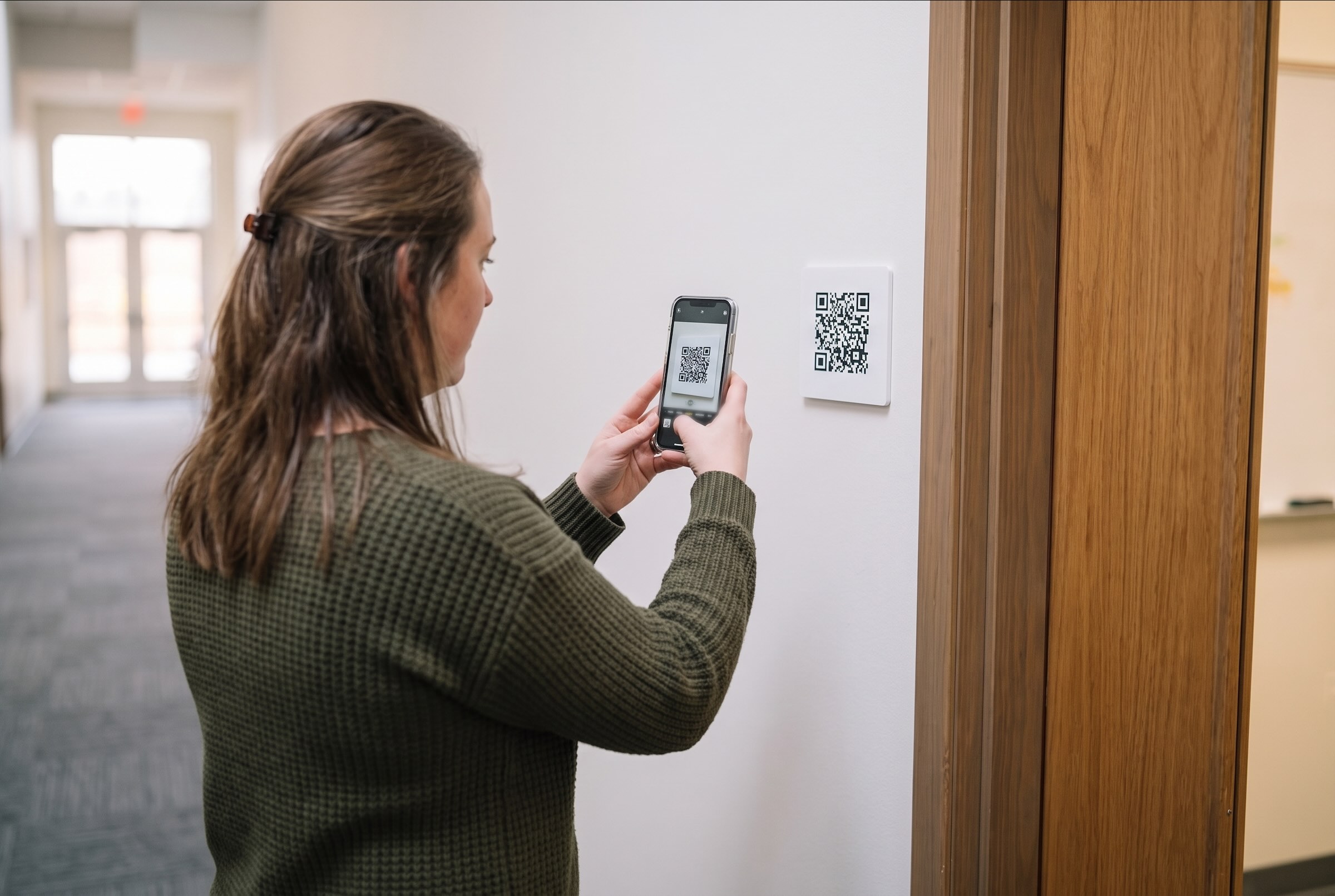
| Maintenance requests | Anyone who spots a problem can report it from their phone, ideally by scanning a code in the room, without an account or an app to install |
| Work orders | Each job can go to a person, a team or an outside vendor, the person is notified, and you can see what's open, in progress, done and overdue, whether you have one building or a whole campus |
| Preventive maintenance | Recurring jobs like filter changes, the extinguisher walk and the boiler service turn into work orders on their dates, with a record of who did them and when |
| Tasks and checklists | Staff and volunteers each see their own list for the day, including jobs that repeat on chosen days of the week |
| Rooms and events | A calendar that catches double bookings, with setup and teardown time built into each one |
| Equipment and capital planning | Each system's age, service history and replacement cost, so you can build a replacement plan for the budget |
| Inspections and paperwork | Certificate and inspection dates with reminders before they're due, and the documents themselves where staff can find them |
| Vendors | Contractors' details and insurance expiration dates in one list |
| Your church software | A connection to the church management software that you already use, like Planning Center, so you're not typing your people in twice |
| Costs | What each repair costs, and what each building costs you over a year, if your finance team wants that |
If your building has a school or a preschool in it, give the paperwork row extra weight, because that's where the inspections multiply. Our church building inspection checklist lists what usually gets inspected and how often.
The kinds of software that you'll run into
When you start searching for church maintenance software, you'll find three kinds. Some are built for churches, like eSPACE, and they tend to be strong on rooms and events. Others are general maintenance software (often called a CMMS, short for computerized maintenance management system) built for factories, offices and property managers, like UpKeep and MaintainX, which are strong on work orders but often charge for each user. And your church management software may have a calendar of its own, like Planning Center's, which can book rooms but doesn't track repairs or maintenance.
Each kind has its strengths, so before you sign anything, decide which rows of the table above matter most to your church and look hardest at those.
Questions to ask every company
- How is it priced, and what happens when we add volunteers? Ask for the price at the number of people that you'll really have in two years, because pricing by the user adds up quickly when most of your maintenance team are volunteers.
- Who does the setup? Putting in every room, piece of equipment and recurring job takes time, so ask whether they'll help, whether it costs extra and whether they can bring in the spreadsheets that you already have.
- Can someone report a problem without an account? If reporting takes a login and an app, most people will go back to texting you.
- Does it work on a phone for the people doing the work? Your volunteers will use it in a hallway or on a ladder, not at a desk.
- How does it connect to our church software, and which way does the information go? Some connections only bring your people in, and some send changes back, so ask what yours would do.
- Can we get all our data out if we leave? Ask to see an export of your work orders, equipment and history in a spreadsheet before you commit.
- How long is the contract? Find out whether it's monthly or yearly and what it costs to leave.
- Who answers when something goes wrong, and how fast? A person who you can reach on a Monday morning matters more than a long feature list.
- Who else like us uses it? Ask for a church about your size that you can call. We're a young company ourselves, so it's a fair question to ask us too.
Run a two-week trial with your own building
A demo shows you what the software can do, and a trial shows you whether your people will actually use it, so try each finalist with your real building for two weeks.
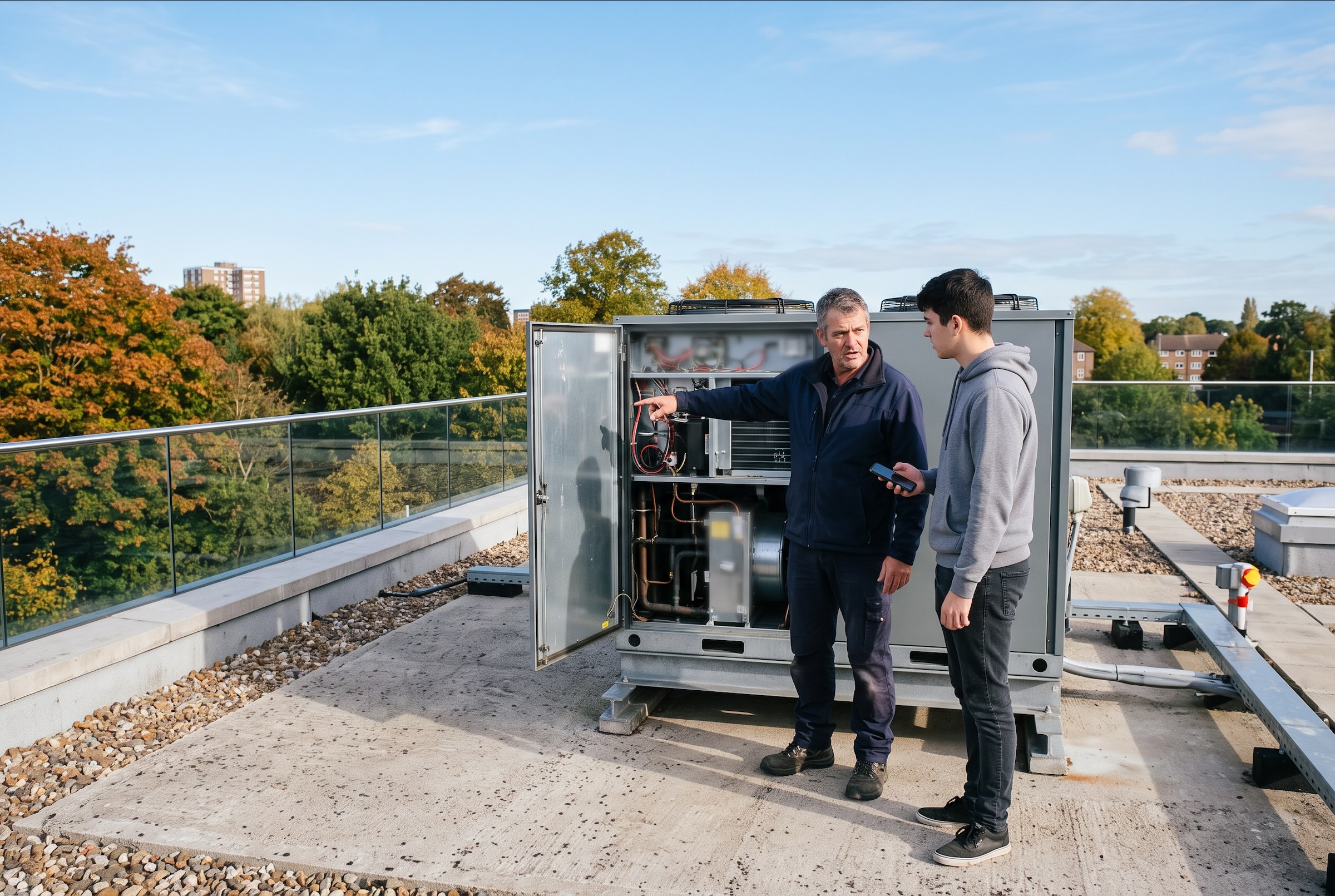
- Set up one building or one wing, with its rooms and the five or ten pieces of equipment that worry you most, like the boiler, the rooftop units and the water heaters.
- Put in the recurring jobs that you already do, such as the monthly filter check, the extinguisher walk and the emergency light test. Our church preventive maintenance schedule is a good list to start from.
- Ask two or three people who aren't on staff to report a real problem from their phone, and watch how long it takes them.
- Invite one staff member and one volunteer, give each of them a few jobs, and see whether they finish them without calling you for help.
- Book a busy week on the calendar, put two events in the same room on purpose and see what happens.
- At the end, export everything to a spreadsheet, so you know you can.
Use the scorecard
We've turned the table and the questions above into a scorecard that you can download (Excel). Give each line a weight for how much it matters to your church, score each product 0, 1 or 2 right after its trial while it's fresh, and the sheet adds up the totals for you. It opens in Excel, Numbers or Google Sheets. If you'd rather work on paper, there's also a printable version (PDF).
Where WiseHQ fits
When you put WiseHQ through the scorecard, here's where I think it'll stand out. Anyone can report a problem by scanning the QR code in the room, without an account or an app. Preventive maintenance turns into work orders on its dates, the calendar catches double bookings with setup and teardown time built in, and every plan includes unlimited users, so volunteers never cost extra. If you're also looking at eSPACE or UpKeep, we've put WiseHQ next to both of them on one page.
Whatever you choose, choose the one that your people will actually use, because the best system in the world won't help you if the problems still come in by text.
Score us like anyone else
Every WiseHQ plan includes unlimited users, so volunteers never cost extra, and the 14-day trial is free. Put your own building in it and see how it does on the checklist.